 GAMING STIFF PC GAMES, MODS, FIXES & MORE

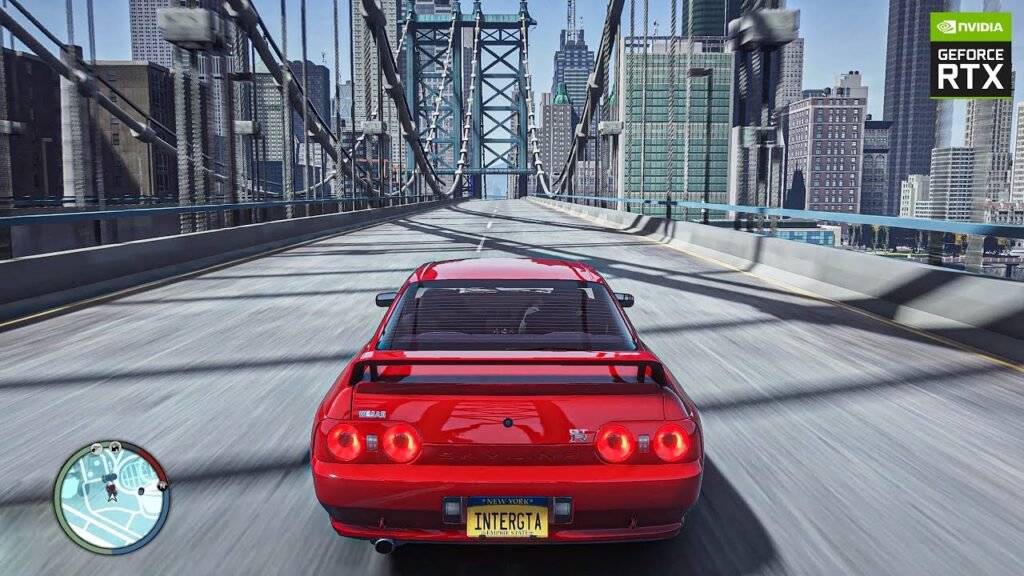
If you want to make GTA 4 look modern and visually stunning in 2025, the IC Enhancer 4.0 graphics mod is one of the best choices available. But before installing it, the game must be prepared with the right basic mods so everything works smoothly. In this guide, we’ll talk about why IC Enhancer is so popular, what basic mods you need, and how to get your game ready for the ultimate graphics upgrade.
What Is IC Enhancer 4.0?
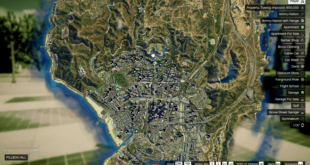
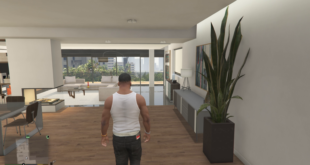
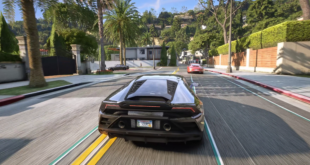
IC Enhancer 4.0 is a powerful ENB-based graphics overhaul created specifically for GTA IV: Complete Edition and patch 1.0.4.0/1.0.7.0. It improves lighting, reflections, shadows, bloom, color correction, and overall atmosphere. The mod gives GTA 4 a next-gen look with realistic skies, high-quality post-processing, and cinematic visuals. Whether you want sharp daytime lighting or beautiful neon nights, IC Enhancer completely transforms the city of Liberty City.
However, IC Enhancer only works properly if the game is first optimized with basic compatibility mods. These essential files fix crashes, unlock modding support, and make sure the game runs smoothly with heavy ENBs.

Why Basic Mods Are Necessary
GTA 4 is an old game with outdated file structures. Installing a heavy graphics mod without fixing the base game often leads to:
- Crashes on startup
- Missing textures
- Low FPS
- Stuttering
- ENB not loading properly
That’s why adding basic mods is extremely important. They prepare the game so IC Enhancer 4.0 can run without issues.
How to Install the Basic Mods
- Download basic mods pack – From Here
- Extract the files using WinRAR.
- Copy and paste everything into your GTA 4 main directory.
- Replace files when asked.
- Launch the game to ensure it starts correctly.
- After this, install IC Enhancer 4.0 according to its instructions.